Content creation is quietly changing shape. For years the workflow was: open a tool, stare at a blank editor, write, copy, paste, repeat. The agentic version is different. You describe the outcome, and an agent like Claude Code does the work inside your existing workflow, calling the tools it needs and handing you drafts to approve.
For that to work, content generation has to be a tool an agent can call, not a website a human has to visit. That is exactly what an API-first content platform gives you. This guide shows how to wire supapost into Claude Code so an agent can generate on-brand posts, threads, and replies as one step in a larger automation.
Why Claude Code plus a content API is a natural fit
Claude Code is an agent that can run commands, call APIs, read your files, and chain steps toward a goal. A content API is a clean, deterministic tool for it to call. Put them together and you get a few things a chat window cannot:
- Content generation lives in your workflow. The agent generates posts as part of a bigger job (ship a feature, then draft the launch posts) instead of you context-switching to a separate app.
- It is on-brand by default. Brand voice lives on your workspace, so the agent does not need clever prompting to sound like you. It just calls the endpoint.
- It composes. Generate a post, generate a thread, draft replies, repurpose a blog, all as separate tool calls the agent orchestrates.
- A human still approves. The agent produces drafts; you keep the final call. Automation without losing judgment.
What you will build
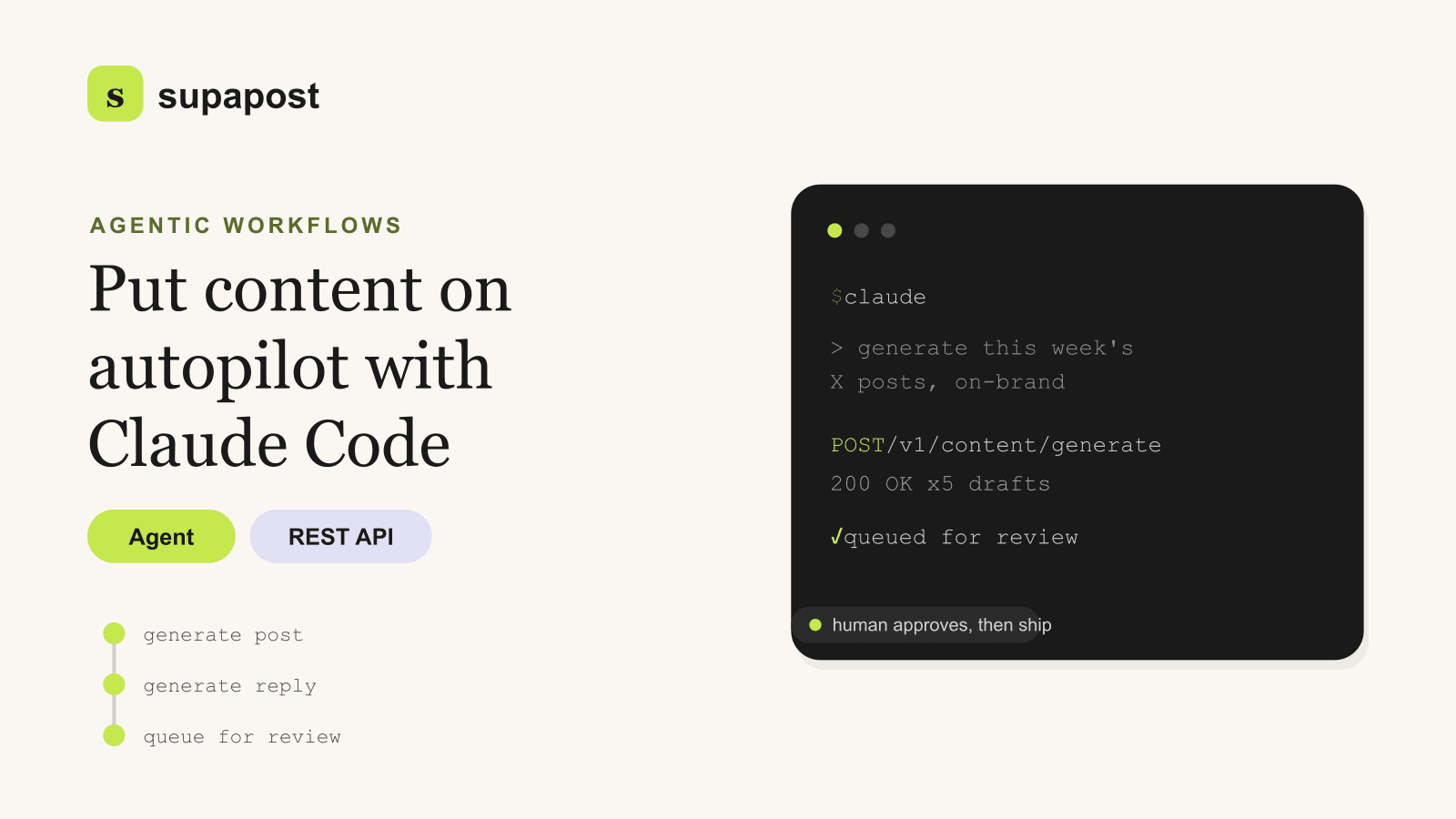
An agentic loop where Claude Code takes a goal ("draft this week's X posts about our launch"), calls the content API for each piece, and drops the results into a review queue for you to approve. The API does the writing; the agent does the orchestration; you do the sign-off.
Two ways to give the agent the tool
There are two clean patterns, depending on how tightly you want to integrate:
- Direct calls (simplest). Claude Code runs
curlagainst the REST API inside its agentic loop. No setup beyond an API key. Great for scripts and one-off automations. - Wrap it as an MCP tool (cleanest). Expose the content endpoints through a small Model Context Protocol server so the agent calls "generate_post" as a first-class tool with typed inputs. Better for a workflow you will run repeatedly.
Both hit the same REST API underneath. Start with direct calls; graduate to MCP when the workflow earns it.
Authentication
Generate an API key from the dashboard after signing up, and give it to the agent as an environment variable so it never lands in a prompt or a commit:
export SUPAPOST_API_KEY=sp_your_key
# The agent reads it from the environment when it calls the API.
The core tool call
Whether the agent runs this directly or through an MCP wrapper, generation is one request:
curl -X POST https://supapost.ai/api/v1/content/generate \
  -H "Authorization: Bearer $SUPAPOST_API_KEY" \
  -H "Content-Type: application/json" \
  -d '{
    "type": "social",
    "platform": "x",
    "topic": "We just shipped real-time collaboration"
  }'
The response is structured data the agent can parse and act on, not prose it has to clean up:
{
  "type": "social",
  "platform": "x",
  "content": "Real-time collaboration is live...",
  "variations": ["...", "..."],
  "hashtags": []
}
A real agentic workflow
Here is the kind of instruction you would give Claude Code, and what it does with the tool:
"Generate this week's launch content: an X post and a LinkedIn post about real-time collaboration, three reply drafts for the top comments we expect, and queue everything for review."
The agent breaks that into tool calls: one content/generate call per platform, a few type: "reply" calls for the anticipated comments, and a final step that writes the drafts to wherever your review queue lives (a file, a Slack message, a Notion row). It runs the loop, you get a tidy set of drafts, and nothing is posted without you.
Why the output is on-brand without prompt engineering
The reason this beats piping a raw model into a script is persistent brand context. Your workspace holds your voice, tone, industry, audience, and content pillars, detected automatically from your URL during onboarding. Every API call inherits that context, so the agent does not need a giant system prompt to sound like you. The request stays small; the output stays on-brand. Configure once, benefit on every call.
Compose the rest of the pipeline
Once the agent can generate, the same pattern extends to the whole content surface:
- Threads. Generate a hook post, then one beat per point. See generating X posts and threads.
- Replies. Feed a comment in with
type: "reply"for contextual responses that do not sound robotic. More in smart replies that do not sound like a bot. - Repurposing. Point the agent at a published blog post and have it call the repurpose endpoint to spin out a week of social content.
- Scheduling glue. If you prefer a visual pipeline over an agent script, the same API drops into an n8n workflow.
Best practices for agentic content
- Always keep a human approval gate. Let the agent generate and queue, never auto-publish. The bottleneck should be "which draft do I pick," not "what do I write."
- Pass the API key via environment, not prompt. Keep secrets out of the agent's context and out of version control.
- Respect the rate limits. Plans carry daily API caps (50 on free, up to 2,000 on Agency). Have the agent batch sensibly rather than hammering the endpoint.
- Let brand context do the work. Resist stuffing voice instructions into every prompt. Configure the workspace well once, and keep agent calls minimal.
- Generate variations, then choose. The API returns alternatives per call. Have the agent surface all of them so you pick the strongest hook.
Getting started
The fastest path from zero to an agent that drafts your content:
- Create an account and set your brand context by entering your URL.
- Generate an API key and export it as an environment variable.
- Ask Claude Code to run one generation via curl and compare the output to what you would have written.
- Wrap the endpoints as an MCP tool once the workflow proves itself, so the agent calls generation as a native step.
- Add a review queue and let the agent draft while you approve.
The teams pulling ahead are not the ones typing the most posts. They are the ones who turned content generation into a tool their agents can call, and kept themselves in the loop for the one thing that still needs a human: taste. The API reference has every endpoint, and the free tier gives you 50 calls a day to build against. It is built for exactly this.